AI tools can cut work time in half if used effectively.
<!--img--> 
AI tools are rapidly widening the productivity gap between those who know how to use them and those who don't. Some people can complete the same report in 30 minutes, while others take 5 minutes. The difference isn't about whether or not you have the tools, but rather "how well you use them."
What Can Be Automated?
- Writing & Summarization: Quickly generate report drafts and summarize long documents or meeting minutes.
- Translation: Instantly convert foreign language materials into easily understandable formats.
- Image Generation: Easily create images for presentations, content, and social media.
- Data Organization: Structure scattered information into neat tables and lists.
- Ideation: Provide a starting point for brainstorming and planning.
The Key is "Which Tool, and How?"
Having many tools doesn't automatically mean they are all good. Choosing the right tool for the situation, and learning how to use good prompts (instructions) and workflows, is what truly matters. Even with the same tool, the results can vary greatly depending on how you instruct it. Specifically, providing context and giving instructions step-by-step is crucial.
3 Principles of a Good Prompt:
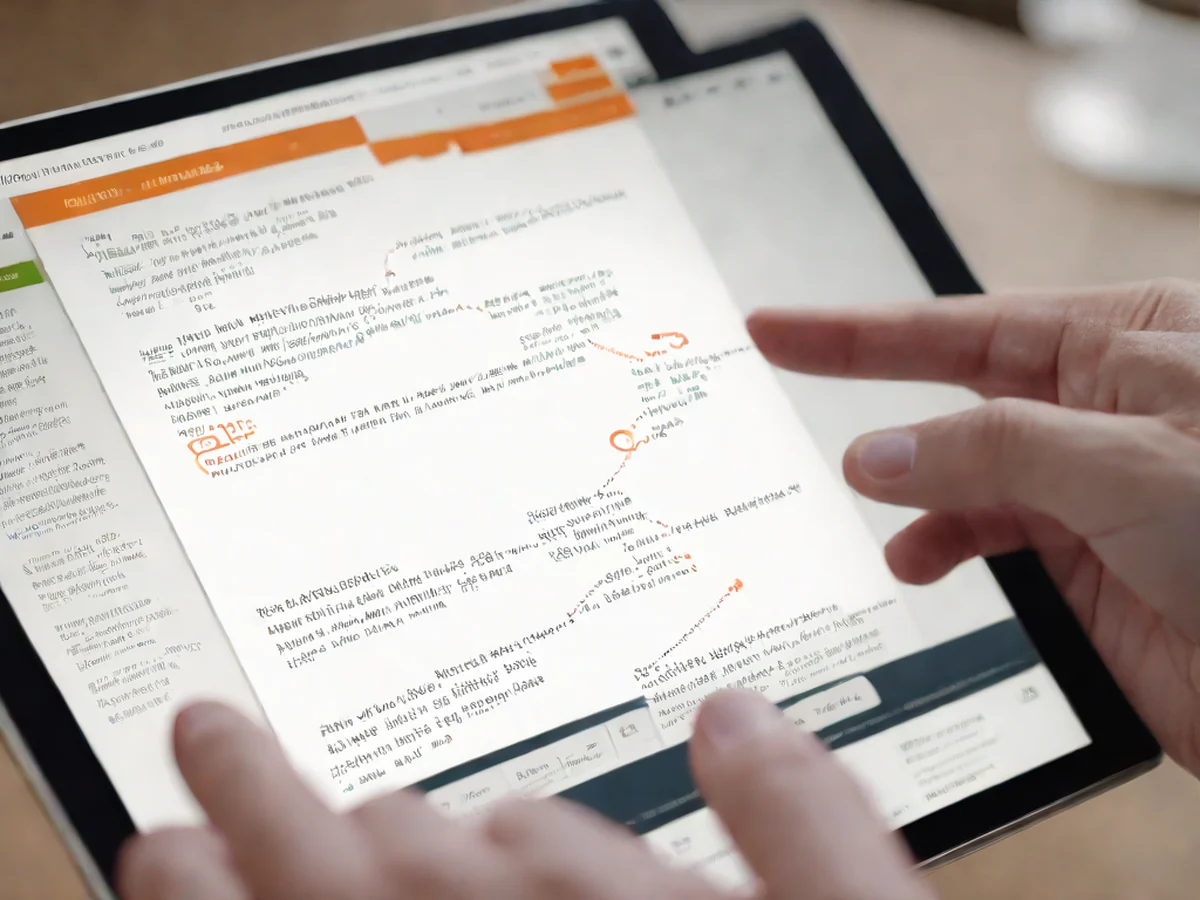
The quality of the answer can change depending on how you ask the question.
- Role Assignment: Specifying a role, such as "as a professional editor," will result in clearer answers.
- Context Provision: Provide background information such as purpose, target audience, and length.
- Example Presentation: Showing a sample of the desired format will significantly improve accuracy.
Always Review the Results:
AI's answers are not always correct. Facts, figures, and sources must be verified by a human. It's safer and more efficient to treat AI as a "draft writer" and have yourself make the final judgment.
Examples of Use by Task:
- Planning & Marketing: Used for brainstorming ideas and drafting copy.
- Administration & Operations: Reduces repetitive tasks by summarizing long emails and documents, and organizing tables.
- Learning & Self-Improvement: Explains difficult concepts in simpler terms.
- Design & Content Creation: Quickly creates thumbnails and images for presentations.

Don't Be Afraid of AI:
While there are concerns that AI will take jobs, the reality is that "people who use AI well" are replacing those who don't. Becoming familiar with the tools is the most sensible approach. Start by trying simple tasks like summarization or translation, and as you become more comfortable, gradually expand to more complex tasks. Instead of trying to learn everything perfectly, the fastest way to learn is to use it once a day for small tasks.
AI is an "amplification" tool, not a replacement. Just learn how to use it well.
AllAItools is an AI utilization channel that provides reviews and usage tips for AI tools, prompt know-how, and the latest news.
<!--enr--> ## Side-by-Side Comparison
| Category | Item A | Item B |
|---|---|---|
| Automatable Tasks | Writing & summarization, translation, image generation, data organization, idea generation | Drafting reports, summarizing meeting notes, translating foreign-language materials, creating presentation visuals, structuring information |
| Key Success Factors | Crafting appropriate prompts and designing effective workflows | Precision in tool selection, context-aware instructions, step-by-step command delivery |
| Prompt Effectiveness Requirements | Assigning roles, providing context, offering examples | Clearly defined purpose and target audience, including sample outputs in desired format |
| Handling AI Outputs | Final review and judgment remain human responsibilities | Fact-checking, numerical validation, and source verification are mandatory |
| Practical Application Areas | Planning & marketing, office & administration, learning & self-development, design & content creation | Idea generation, email summarization, concept explanation, thumbnail creation—customized use per job function |
Frequently Asked Questions (FAQ)
Q1. I'm new to AI tools—where should I start? It's best to begin with simple tasks. For example, try summarizing an email or meeting notes, or request a basic translation. Applying AI to small daily tasks one at a time is the fastest way to get comfortable.
Q2. What elements are most important for creating effective prompts? A strong prompt includes three key components: First, clearly define the role (e.g., "act as a professional editor"). Second, provide context such as purpose, target audience, and desired length. Third, include an example of the preferred output format—this greatly improves accuracy.
Q3. Can I trust AI's responses? Why is review always necessary? No, AI responses are not always accurate. Numbers, factual details, and sources must always be verified by a human. AI is only a drafting tool—final judgment should always rest with you.
Q4. I'm worried that using AI at work might reduce job opportunities. In reality, people who use AI effectively tend to replace those who don’t. AI isn't a replacement—it's an amplifier. The smarter strategy is mastering the tool to boost your productivity and value, not fearing its impact.
Popular posts

How to Reduce Your Daily Workload by 30% with AI.
Could AI save you an hour each day?

Could AI replace me? Realistic limitations and strategies for utilization.

Comments 0