AI Design Guide: Save Time with 65% Efficiency Tips
"The goal is not to replace the artist, but to reclaim the hours lost to repetitive tasks."
By integrating these tools into your existing workflow, you can transform hours of tedious labor into minutes of creative direction.
You will learn how to apply these to daily tasks, though efficiency gains vary depending on your specific weekly workload.
How can I use Fast AI Design Techniques to speed up my workflow?
At the cluttered desk, I tap my fingers impatiently while watching the screen generate a complex design.
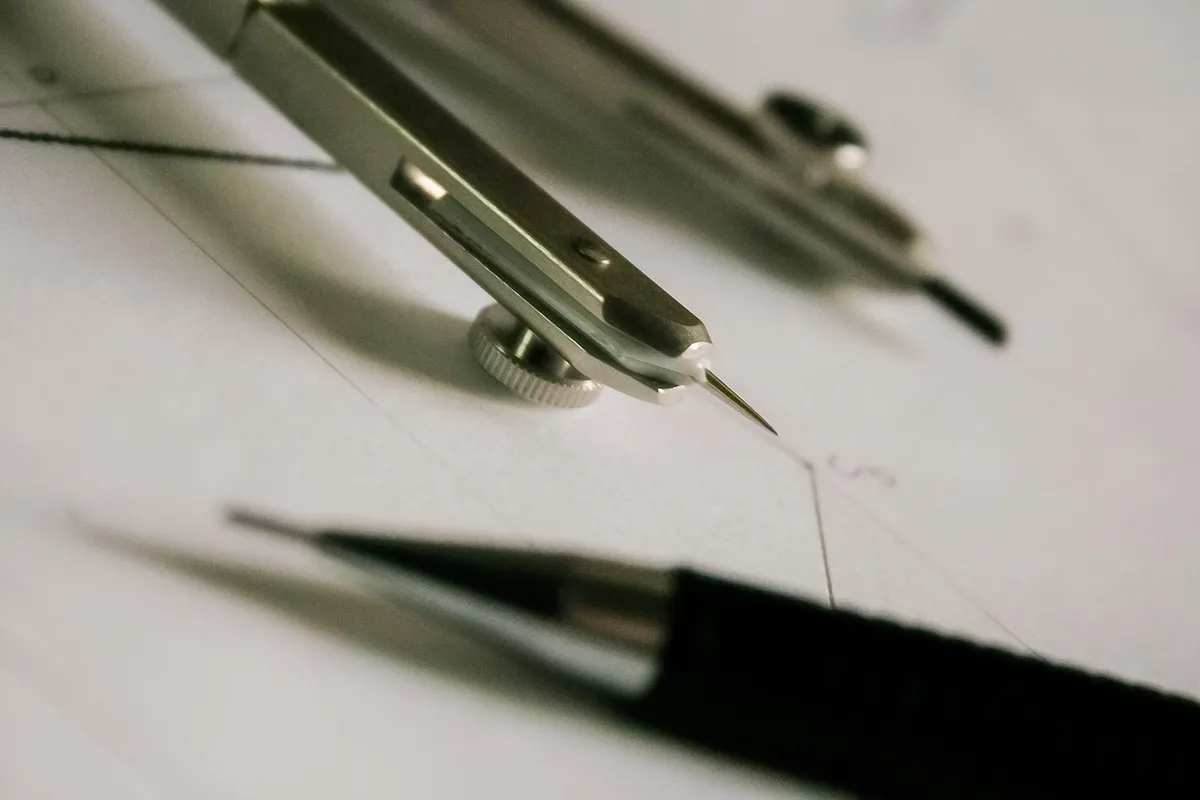
Integrating these tools allows you to move from a blank page to a structured draft in seconds, which is essential since 65% of organizations run generative AI in at least one business function.
To master AI design tools, you must focus on prompt engineering and iterative refinement. Using these techniques helps you optimize design workflow by letting the machine handle the heavy lifting of layout and texture.
You can speed up design tasks by treating the AI as a junior assistant that provides a foundation for your professional judgment.
- Define the core visual concept in plain language to establish a baseline. 2. Use iterative prompting to refine specific elements like lighting or composition. 3. Manually adjust the output to ensure it meets professional brand standards.
A final check involves ensuring the AI-generated elements align with your original intent. I found that setting a clear direction first prevents the tool from wandering into irrelevant styles.
Which video tools offer the best balance of quality and cost?
While sitting in the quiet office, I squint at the screen to judge if the video design meets my standards.
A producer watches a high-resolution video render on a monitor, comparing the visual fidelity to a much more expensive alternative. Choosing between tools requires understanding the trade-off between absolute perfection and budget-friendly production.
For social media production, Kling 2.0 (Kuaishou) provides a compelling option for those needing high volume. It produces quality comparable to Runway at roughly 40% of the cost per second. This makes it a strong candidate for teams looking to scale their content without exhausting their budget.
| Feature | Kling 2.0 (Kuaishou) | Runway |
|---|---|---|
| Relative Cost | 40% of Runway's cost | Baseline |
| Quality Level | Comparable to Runway | High |
I often compare these cost-to-quality ratios when planning monthly content calendars. This comparison helps determine if the premium price of a top-tier tool is worth the marginal increase in visual polish.
How much time can I save with AI writing tools?
A writer types a rough paragraph, then uses an AI tool to expand it into a structured article. The shift toward automation is significant, as 38% of knowledge workers use these tools every single day, up from 11% in 2024.
An AI writing tool saves the most time if you write 3 hours a week. This specific workload allows the tool to handle the repetitive drafting phases, freeing you for higher-level thinking. To use this effectively, you should apply it to routine drafting rather than final creative polishing.
- Input your core ideas or bullet points into the tool. 2. Ask the tool to expand the points into full paragraphs. 3. Review and edit the text to ensure the tone is authentic.
A final check ensures that the voice remains consistent with your personal or brand identity. This method is most effective for those with consistent weekly writing requirements.
How do I apply these tools to my current job?
An employee opens a dashboard to process a batch of routine reports using an automated agent. Applying these tools to an existing role requires a systematic approach to avoid disrupting current productivity.
If you have a specific condition, such as a heavy volume of routine administrative tasks, you can integrate AI to handle the initial processing. To implement this, follow these three steps:
- Identify the most repetitive task in your weekly schedule. 2. Test a specialized tool designed for that specific task type. 3. Integrate the tool's output into your standard operating procedure.
A final check ensures that the automated output is accurate before it is used in official documents. This approach is most useful when your role involves high-frequency, low-complexity tasks.
What are the limitations of these tools?
A professional looks at a highly realistic AI image and notices a small, illogical error in the geometry. Even with advanced technology, there are boundaries to what these tools can achieve without human intervention.
A limitation in these processes is that efficiency gains are highly dependent on the amount of manual work you currently perform. For example, a video tool saves the most if you edit 2 hours. If your manual editing time is minimal, the overhead of learning a new tool might outweigh the time saved.
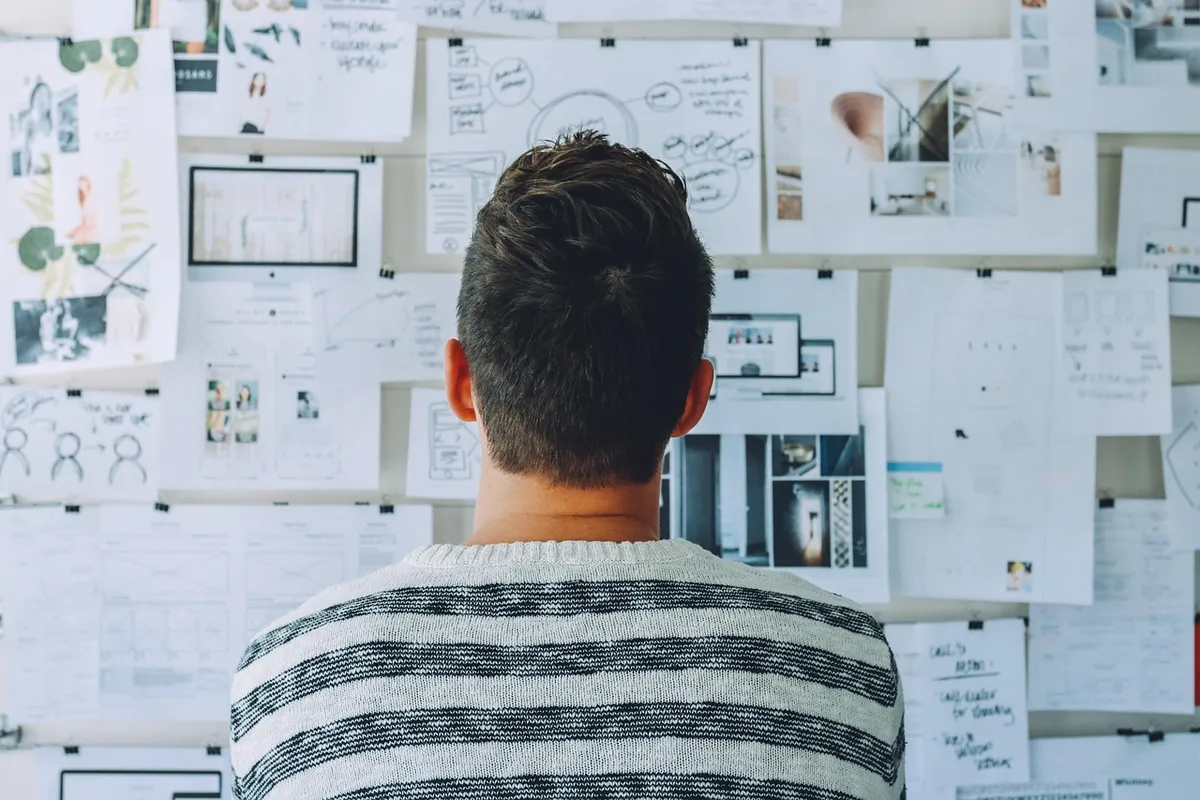
- Mastering Fast AI Design Techniques requires shifting from manual execution to strategic prompting to ensure high-quality output without wasted effort.
- This guide covers how to optimize workflows, compare cost-effective video solutions, and manage time-saving writing tasks.
- A designer sits at a desk, staring at a blank canvas before typing a single prompt into a generative interface.
The subject here is Fast AI Design Techniques.
The same subject is also called AI Design Workflow Tips.
The same subject is also called Boost Design Efficiency.
The same subject is also called Quick AI Design Hacks.
The same subject is also called Smart Design Process.
Master AI Design Tools
Related
- AI Productivity Tips to Save One Hour of Your Time Daily
- How to Reduce Your Daily Workload by 30% with AI.
When should I choose between different AI tools?
Choosing between tools depends on whether your primary constraint is budget or absolute visual fidelity. If your budget is tight and volume is high, a cost-effective solution like Kling 2.0 is advantageous. Conversely, if the project demands the highest possible visual standard without budget constraints, a premium tool like Runway might be necessary. The goal is not to replace the artist, but to reclaim the hours lost to repetitive tasks, making the choice a balance between cost and desired outcome.
What is the primary function of prompt engineering?
Prompt engineering serves as the instruction manual for the AI, guiding the machine toward the desired visual outcome. By using precise language to define the core concept, you establish a baseline from which the machine can build. This initial clarity prevents the AI from producing styles that drift far from your original vision, which is crucial for successful iteration.


Comments 0