Apple Intelligence: 4 Ways ChatGPT Transforms Productivity
"The marriage of Apple’s hardware ecosystem and OpenAI’s intelligence marks the transition from 'AI as a tool' to 'AI as an OS-level companion.'"
The integration of ChatGPT into the Apple Intelligence framework represents a fundamental shift in how we interact with our devices. Instead of visiting a website to ask a question, the intelligence is woven into the very fabric of the operating system.
Key Takeaways * Orchestration vs. Expertise: Apple Intelligence acts as the conductor, managing personal context locally, while ChatGPT serves as a specialized expert for complex, broad-knowledge tasks. * Privacy-First Architecture: User data remains locked on-device unless a specific, high-level reasoning task requires a secure handshake with ChatGPT. * Context-Aware Productivity: The integration moves mobile use from manual prompting to automated, context-aware workflows. * Intent-Based UX: The synergy creates a new paradigm where the OS understands the user's intent rather than just executing literal commands.

How does the Apple Intelligence and ChatGPT integration work?
Walking through a crowded terminal at JFK in the summer of 2026, you pull out your iPhone to quickly draft a complex itinerary for a friend. Instead of copying text into a separate app, you simply speak to your device, and the system knows exactly where to pull the data from.
The technical split between Apple Intelligence and ChatGPT creates a clear hierarchy of intelligence. Apple Intelligence handles the "personal" layer—your emails, calendars, photos, and contacts—using on-device processing to ensure your private life stays private.
ChatGPT handles the "world" layer—broad knowledge, creative writing, and complex reasoning—via the cloud.
When a request moves from a simple task to a complex one, the "Permission-Based Handshake" occurs. If you ask for something that requires the generative power of an LLM, the OS asks for your permission before sending the necessary context to OpenAI.
This ensures that the transition from local execution to cloud-based reasoning is transparent.
The technical foundation relies on the balance between Apple's Private Cloud Compute and ChatGPT's generative power. While the local models manage the basics, the cloud-based LLM provides the heavy lifting for deep reasoning.
This creates a seamless UI where the Siri interface can transition from a simple voice command to a sophisticated brainstorming partner in seconds. But how does this actually change what you do on a Tuesday morning?
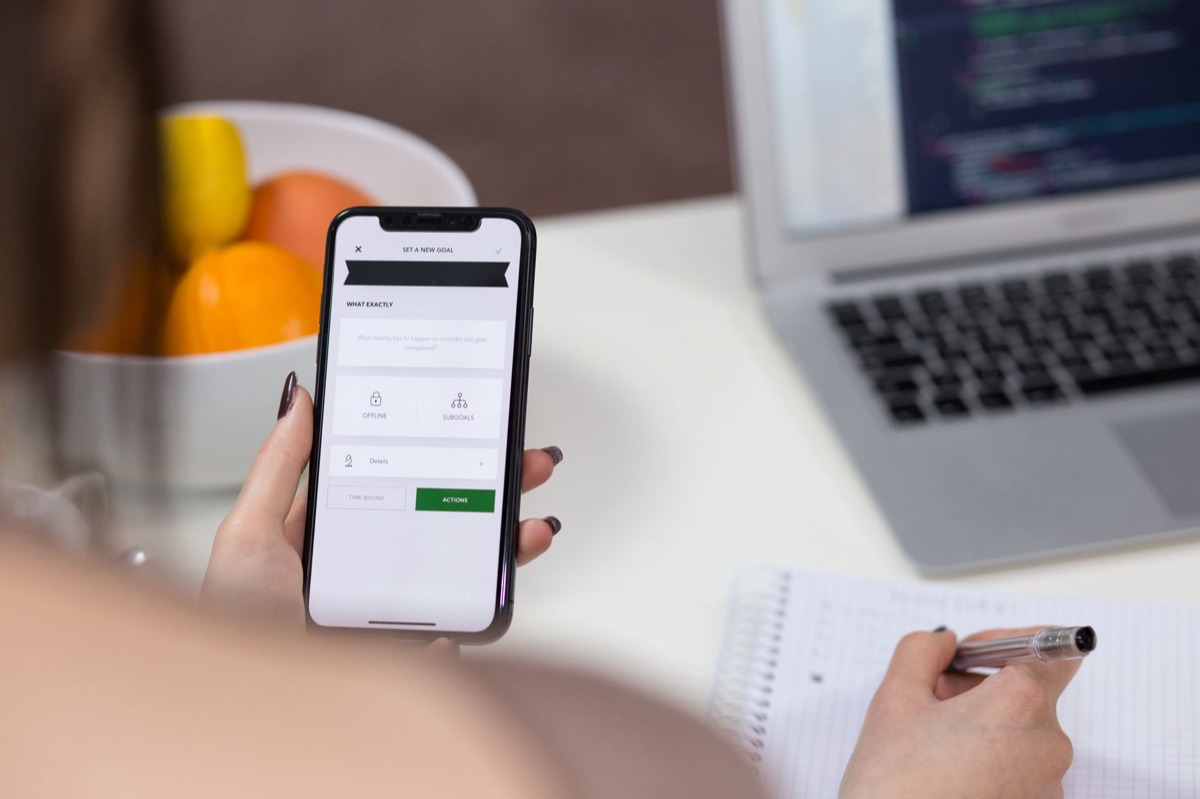
What are the new user experience (UX) shifts in the Apple ecosystem?
Sitting in a quiet corner of a cafe in SoHo at 10:00 AM, you realize you haven't "searched" for anything in three days; you have simply asked for answers. The interface feels less like a search engine and more like a conversation.
The shift moves from "Search" to "Synthesis." Instead of finding a list of links and reading through them, the user receives structured, synthesized answers directly within native apps. This moves the burden of information processing from the human to the system.
Contextual awareness is the engine behind this change. Because the iPhone or Mac has "on-screen awareness," it can see the context of what you are working on. This allows the system to feed relevant data to ChatGPT without the user having to manually copy and paste text back and forth.
This evolution effectively removes the "Prompt Engineering" barrier for the average user. You no longer need to learn how to speak "AI-ese" to get results. Natural language replaces complex command structures, making the technology accessible to everyone from toddlers to grandparents.
Furthermore, cross-device continuity ensures that a task started on an iPhone can be seamlessly refined via ChatGPT on a Mac, maintaining the same intelligence layer across the entire ecosystem. However, the real magic happens when you apply this to your professional life.
New productivity scenarios: How will different professionals use this?
A designer in a bright studio in San Francisco stares at a blank canvas at 2:00 PM, then realizes they can use their tablet to generate a mood board through a simple voice command. The workflow feels organic, not mechanical.
Professional workflows will diversify based on the specific needs of the industry. For the knowledge worker, the integration allows for the instant drafting of emails, meeting summaries, and document restructuring through the system layer.
For the creative or designer, the multimodal capabilities allow for brainstorming visual concepts or generating text-based assets directly within creative workflows.
| Professional Role | Primary Use Case | Primary Benefit |
|---|---|---|
| Knowledge Worker | Email drafting & meeting summaries | Drastic reduction in administrative overhead |
| Creative/Designer | Concept brainstorming & asset generation | Rapid iteration of visual and text ideas |
| Student/Researcher | Document summarization & synthesis | Faster extraction of key insights from PDFs |
| Mobile Professional | Real-time translation & scheduling | Seamlessness while traveling or on the move |
Students and researchers will find the integration particularly potent for managing heavy workloads. Using the system layer to summarize long-form PDFs or complex web articles becomes a one-tap process.
For the mobile professional, the ability to handle real-time translation and complex scheduling via voice-activated intelligence turns a smartphone into a true executive assistant. But what happens to your personal secrets when you tap that button?
Privacy and Ethics: How does Apple manage the risks of LLM integration?
You hesitate for a second before hitting "send" on a sensitive request at your kitchen table, wondering if your secrets are being uploaded to a server halfway across the world. This moment of doubt is exactly what the privacy architecture aims to solve.
Apple employs a "Privacy-First" filter. Before any data interacts with ChatGPT, the local models scrub personal identifiers to ensure the cloud-based LLM only receives what is strictly necessary for the task.
This addresses the "Black Box" problem by maintaining user control; you are the gatekeeper of what is shared.
There is an inherent tension between the freedom of generative AI and the necessity of data security. While cloud-based intelligence offers more power, it introduces more surface area for risk.
Apple manages this through an explicit "opt-in" mechanism for ChatGPT features, ensuring that the user's agency is never compromised for the sake of convenience. While privacy is the foundation, the timeline of adoption is what matters most.

How to master the new workflow: A step-by-step guide
When I first started testing these integrated workflows on my own hardware, I realized that success wasn't about the complexity of the prompt, but the clarity of the intent. To get the most out of this synergy, follow this sequence:
- Identify the Layer: Determine if your task is personal (stay on-device) or broad-knowledge (request ChatGPT handoff).
- Set the Context: Use the "on-screen awareness" feature to highlight specific text or images you want the AI to consider.
- 3.s Grant Permission: When the OS asks to send data to the cloud, review the "scrubbed" context to ensure no sensitive identifiers are included.
- Iterate through Handoff: Use the seamless transition to move a task from your iPhone to your Mac to refine the output.
- Verify and Save: Always review the synthesized answer before moving it into a final document or email.
This process ensures you remain the pilot of the technology, rather than a passenger. But what does the long-term horizon look like?
What is the future of the Mobile-AI-LLM trend?
In a few years, you might not even think of "AI" as a separate thing you use; it will simply be the way your devices function. The distinction between the tool and the user will begin to blur.
The trend is moving toward "Agentic" workflows. We are moving away from simple chatbots and toward autonomous agents that can execute tasks across multiple apps—booking a flight, confirming the calendar, and notifying contacts—all in one breath.
This represents the evolution of the personal assistant from a voice-command tool to a cognitive partner.
The hardware-software moat is the final piece of the puzzle. Apple's vertical integration—controlling the chip, the OS, and the intelligence—makes this level of seamlessness incredibly difficult for competitors to replicate.
This positions Apple uniquely against the likes of Google (Gemini) and Samsung (Galaxy AI), as they attempt to match the hardware-level synergy.
Ultimately, the role of the personal assistant will change. It will no longer just answer questions; it will anticipate needs, acting as a proactive partner in the user's daily life.
***
A Note on Limitations This integration is not a magic wand for every problem. The effectiveness of the ChatGPT handoff depends heavily on the quality of the local context provided by Apple Intelligence.
If the local model fails to interpret your intent correctly, the cloud-based reasoning will likely inherit those errors. Furthermore, high-level reasoning tasks require significant bandwidth and may experience latency during peak usage hours.





Comments 0